
What a Dentist's Website Needs Before Someone Will Book
A new patient searching for a dentist gets three practices on one results page and picks one in a few minutes. The site that wins is rarely the prettiest. It is the one that answers the questions a nervous person actually has: what does this place look like, who will be working on me, do they take my insurance, what happens at the first visit, and can I book right now from my phone. Most dental sites bury all five under stock smiles and a line about compassionate care. Here is what to put on the page instead.
Real photos of the office and the people
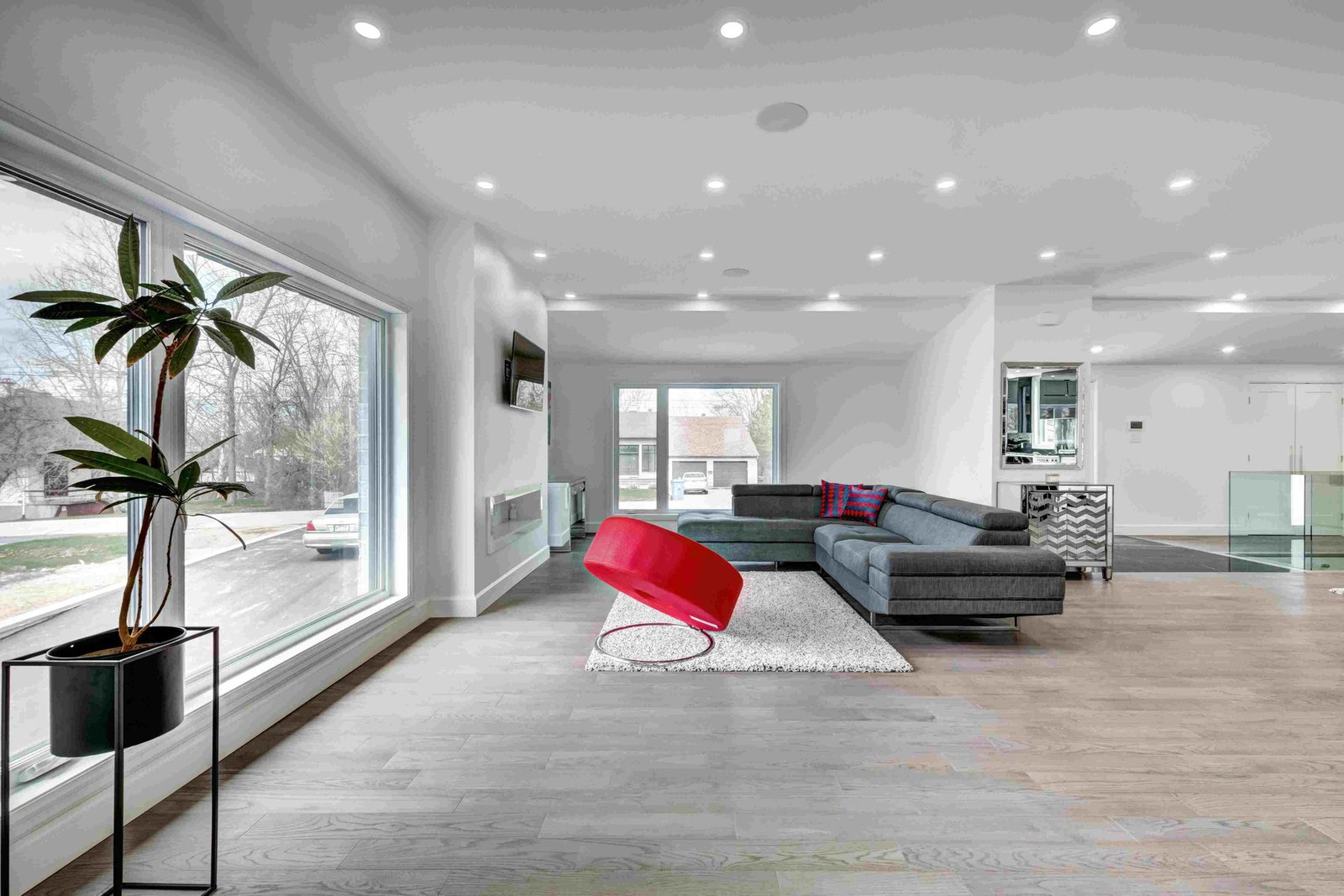
This is the biggest gap on dental sites. A stock model with perfect teeth tells the patient the practice could be anywhere, and people can tell it is stock. What a nervous patient wants to see is the room they will sit in, the parking, and the faces of the dentist and hygienists. Real photos make the visit feel already familiar, which is what gets someone to book.
You do not need a big production. A clean morning, blinds open, and someone who knows how to shoot interiors will get a full set in a couple of hours. If you would rather not organise that, our photo and video service handles the shoot. Team photos matter as much as room shots: names, roles, one line each.
Insurance, stated plainly
Insurance decides more bookings than anything else, and it is the question most sites hide behind a contact form. Put a plain list of the plans you accept on its own page and link it from the main navigation. If you are out of network with a common plan, say so. A patient who cannot find the answer does not call to ask. They pick the next practice on the list.
| What the patient checks | Typical dental site | Site that gets the booking |
|---|---|---|
| Photos | Stock smiles and a building exterior | Actual rooms, actual team, names and roles |
| Insurance | "We accept most major plans" | A list of plans, out-of-network policy explained |
| First visit | Not mentioned | Steps spelled out, forms available in advance |
| Booking on a phone | A contact form or a phone number | One tap to a live scheduler with real openings |
Scroll the table sideways for the rest of each row.
Spell out the first visit
A first-time patient does not know how long the appointment takes, whether there are X-rays, or what to bring. That uncertainty is what keeps them from booking. A short new-patient page removes it.
What the new-patient page should cover
- What to bring.ID, insurance card, a list of medications. One line.
- How long it takes.A realistic window, so nobody books it on a lunch break by mistake.
- Forms in advance.A link to the intake forms so the waiting room is not the first time they see them.
Booking that takes one tap on a phone
Most new patients search on a phone, often after hours. If the only way to book is a phone number, you are asking them to remember to call in the morning, and many will not. A booking button in the header of every page that opens a live scheduler with real openings turns a late-night search into a confirmed appointment. If your practice software has an online scheduling module, connect it. If not, a short request form asking for two preferred times is a workable second choice.
Keep the button visible on mobile without scrolling, and do not make people create an account to see availability. This is the detail generic templates lose, which is why we build dentist websites around the booking path first and the design second. The website design page covers how a build actually runs.
Questions dentists ask about this
Do I really need to list insurances? It changes.
Yes. A list updated twice a year beats no list every time. Add a line saying to call if a plan is not shown, and date the page so patients can see it is current.
We already have a website. Is it worth redoing?
Run the phone test above. If insurance and booking are not reachable in a minute, the site is costing you new patients every week, whatever it looks like. Sometimes that is a few page changes; sometimes it is a rebuild.
If you want to see this with your own office, team and insurance list, we build a free working demo of your site before you commit to anything. Send a few phone photos through the contact page or call (404) 500-6167, and we will show you the site before you decide.